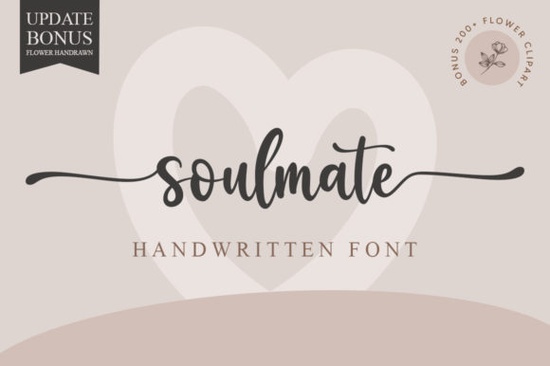
Finding the right typography for romantic or elegant projects can be tricky. You want something that feels personal but remains easy to read. The Soulmate Font is a handwritten typeface designed specifically for this balance. It offers a stylish, flowing script that works beautifully for wedding stationery, boutique branding, and custom crafts. Because it is PUA encoded, you do not need special design software to access its extra swashes and alternate characters, making it highly accessible for beginners and professionals alike.
What makes a handwritten font work for wedding invitations?
When designing wedding invitations, the biggest challenge is keeping the text legible while maintaining a romantic vibe. Highly ornate scripts often become unreadable when printed at smaller sizes. Soulmate solves this by keeping its letterforms clean and well-spaced. If you are designing a more casual or youthful wedding suite, you might want to pair it with sweet and playful script alternatives for the secondary text. However, for the main names and headers, a refined choice keeps the focus on the couple without overwhelming the page.
How do you access extra swashes without expensive software?
Many crafters and small business owners use basic design tools or cutting machine software that does not support advanced OpenType features. This is where PUA encoding becomes incredibly useful. It maps every alternate character, ligature, and swash to a standard keyboard key. You can simply open your computer's character map, copy the exact swash you want, and paste it directly into your design program. On a Windows PC, you can use the Character Map app, while Mac users can access the Character Viewer through the Edit menu. This means you can add beautiful, sweeping tails to your letters whether you are using Canva, Microsoft Word, or Cricut Design Space.
Which projects benefit most from elegant script typography?
While wedding stationery is the most obvious choice, this typeface is highly versatile for other creative projects. Print-on-demand sellers often use it for custom mugs, tote bags, and apparel where a personal touch drives sales. When designing for print-on-demand, remember that script fonts need a clean background to stand out, so avoid placing delicate handwritten letters over busy patterns. Small businesses can also use it for boutique logos or elegant product packaging. It adds a layer of sophistication that standard system fonts simply cannot match, helping your products stand out on crowded shelves or busy online marketplaces.
Here are a few specific ways to use this style in your work:
- Greeting cards and thank you notes: Adds a sincere, hand-written feel to personal messages.
- Social media quotes: Pairs well with soft photography for Instagram or Pinterest graphics.
- Product labels: Gives homemade candles, soaps, or cosmetics a premium, artisan look.
If you are building a broader brand identity, you will need to pair this script with other styles. For a modern, energetic brand, try mixing it with bright and trendy duo fonts. If your brand leans more toward high-end editorial, combining it with bold display typefaces creates a striking contrast. For a quieter, more subtle aesthetic, minimalist handwritten styles make excellent secondary fonts for body copy.
What should you check before finalizing your typography?
Before you send your design to print or publish it online, run through a quick quality check to ensure your typography looks professional. Taking a few extra minutes for reviewing the full character set can completely change the final outcome of your design. A polished layout relies on these small details.
- Check the kerning: Even well-made scripts sometimes need slight spacing adjustments between specific letter pairs to look natural.
- Test the scale: Print a test page at the actual physical size to ensure the thinnest lines do not disappear or look broken.
- Verify the license: Always double-check your commercial use rights, especially if you are selling physical products or using the font in a logo.
- Explore the alternates: Swap out standard letters for alternate glyphs at the beginning or end of words to create a more custom, flowing look.
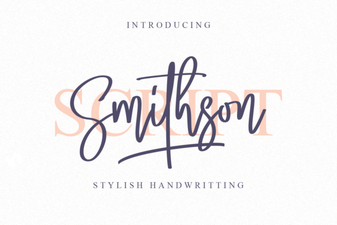 Smithson Font: Design Tips and Inspiration
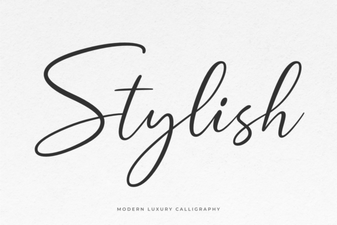 Unlocking Creativity with Stylish Web Fonts
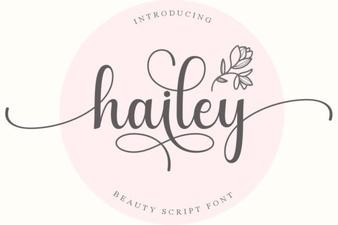 Hailey Font: Creative Design Ideas
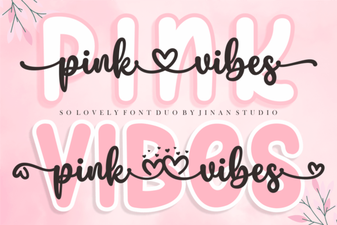 Pair & Design: a Guide to Using Pink Vibes Duo Font
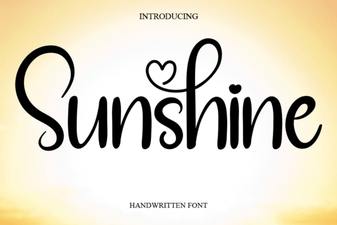 Sunshine Font: Free Download & Creative Project Ideas
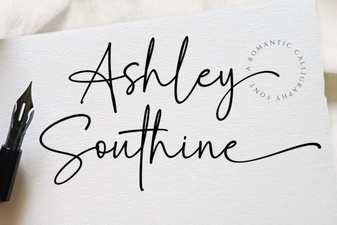 Ashley Southine Font: Beautiful, Handwritten Styles