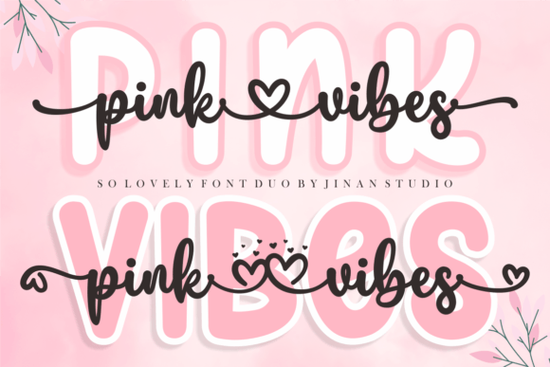
What makes a duo typeface useful for crafting?
When you design physical products, readability is just as important as aesthetics. A script style looks gorgeous for a main title, but it becomes illegible if you use it for a long paragraph or a small product label. By including a matching sans serif, this package ensures your smaller text remains crisp and easy to read for your customers.
This is especially helpful for print-on-demand sellers creating t-shirts, tote bags, or mugs. You can use the script for the main quote and the sans serif for the subtitle or the brand name at the bottom. Digital product creators will also find this useful for social media templates, where the script grabs attention and the sans serif delivers the actual information. If you want to explore more stylish script options for your boutique, you will find that duo packages generally offer the best value for versatile branding.
How do you access the swashes and special characters?
One of the biggest frustrations for crafters is buying a beautiful typeface only to realize the fancy swashes are locked behind expensive design software like Adobe Illustrator. Fortunately, this package is PUA encoded. This means you can access all the extra glyphs, hearts, and swashes using basic, free programs.
On a Windows PC, you can use the Character Map to copy and paste the special characters. On a Mac, the Font Book serves the same purpose. You can even copy these glyphs directly into Cricut Design Space and Silhouette Studio without needing any third-party plugins. For those interested in paper crafting, this typeface is actually featured in a dedicated Creative Fabrica class for creating, printing, and cutting planner stickers. Seeing the lettering used in a real-world tutorial helps you understand exactly how the swashes look when cut out of vinyl or printed on sticker paper.
Which projects work best with this lettering?
The delicate curves and romantic feel make this an excellent choice for wedding stationery, bridal shower invitations, and feminine branding. It leans heavily into modern romance, rather than the heavy, rustic look you might use for country kitchen decor. The soft lines pair beautifully with watercolor backgrounds, minimalist floral illustrations, and elegant gold foil accents.
If you are comparing it to other popular choices, fans of the Ashley Southine lettering will appreciate the similar delicate curves and elegant swashes found here. It also shares a nice balance of thick and thin strokes, much like how the Hailey typeface handles its letterforms. However, if your project requires a messy, informal, or playful look, you might prefer a casual handwriting typeface instead.
Tips for cutting this font with a vinyl plotter
Script typefaces can sometimes be tricky to cut on machines like the Cricut or Silhouette because of the thin connecting lines. Here is how to get clean cuts every time:
- Weld your letters: Always weld or combine the script letters into a single shape before cutting. This prevents the machine from cutting through the connecting swashes and ruining the design.
- Use the sans serif for small text: If you need to cut text smaller than half an inch, switch to the included sans serif. Thin script lines will easily tear at small sizes.
- Adjust the swashes: Use the PUA encoded glyphs to shorten or lengthen the tail ends of the letters so they fit perfectly within your design boundary without looking crowded.
Next steps for your design
Before you finalize your next project, run through this quick checklist to ensure your typography looks professional and polished:
- Check your contrast. Make sure the delicate script stands out clearly against your background color or pattern.
- Limit your script usage to one or two words per design to maintain readability and visual impact.
- Test print your design at actual size to verify that the thinnest lines of the script are still visible and legible.
- Ensure your sans serif text is aligned properly with the baseline of your script text for a balanced layout.
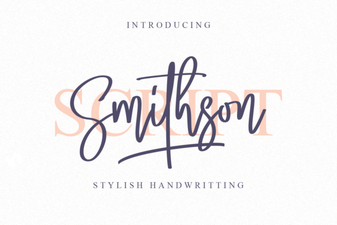 Smithson Font: Design Tips and Inspiration
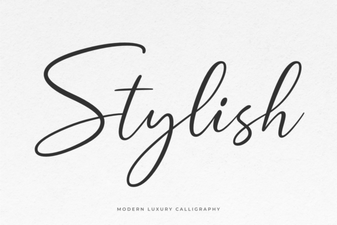 Unlocking Creativity with Stylish Web Fonts
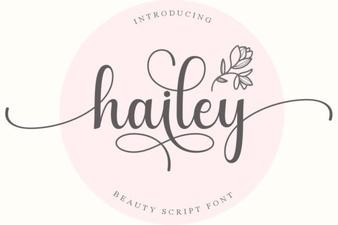 Hailey Font: Creative Design Ideas
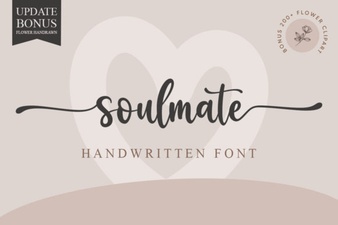 Soulmate Font: Creative Typography for Your Love Story
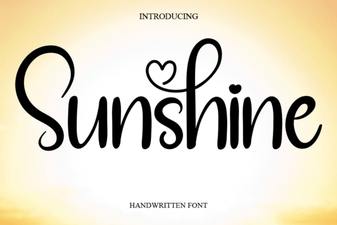 Sunshine Font: Free Download & Creative Project Ideas
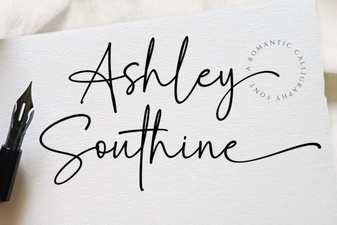 Ashley Southine Font: Beautiful, Handwritten Styles