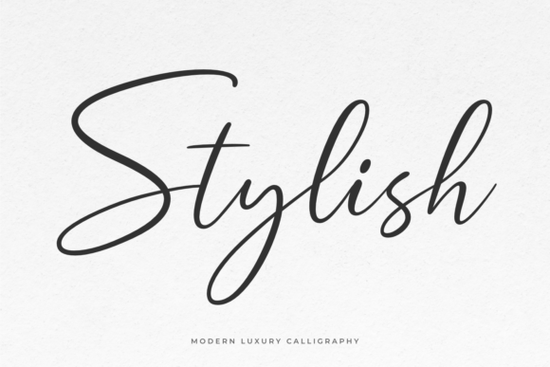
Finding the right script typeface for a wedding invitation or a boutique logo can take hours of scrolling. The Stylish Font offers a graceful, modern calligraphic look that works well for these exact projects. It features a smooth rhythm and elegant swashes, making it a reliable choice for designers and crafters who need a classy aesthetic without sacrificing readability. Because it is PUA encoded, accessing those extra flourishes is straightforward in most design software.
What projects work best with this calligraphic style?
This typeface works exceptionally well in applications where a personal, handcrafted touch is needed. Small business owners often use it for product packaging, thank-you cards, and boutique branding. If you are working on a bakery logo, you might pair it with something playful like a sweet dessert-themed typeface for the subheadings to create a cohesive brand identity.
For crafters and hobbyists, it is an excellent choice for DIY projects. You can use it for vinyl decals on coffee mugs, custom tote bags, or scrapbook titles. When making personal journals, combining it with a casual everyday handwriting style can create a nice visual contrast across your pages.
How do you access the swashes and alternate glyphs?
One of the biggest frustrations for crafters is buying a beautiful script only to find they cannot access the alternate characters in basic software. Since this file is PUA encoded, all the extra glyphs and swashes are mapped directly to your keyboard. You do not need expensive professional software like Adobe Illustrator to use them.
Simply open your computer’s built-in character map (Character Map on Windows or Font Book on Mac). Find the specific swash you want, copy it, and paste it directly into your design canvas. This is incredibly helpful when you are designing custom wood signs or layered text graphics in programs like Silhouette Studio or Cricut Design Space.
Which typefaces pair well with modern calligraphy?
Script fonts need a solid partner to balance the layout. Because the letters have a lot of movement and decorative elements, your secondary text should be clean and easy to read. A simple sans-serif or a structured serif usually works best for body copy, pricing, or dates.
When building a wedding suite, you might explore a refined script alternative for the bridesmaid cards to keep the theme consistent but varied. Alternatively, for a modern lifestyle blog, a delicate signature option can complement the main headings without competing for the reader's attention.
Is this typeface suitable for print-on-demand products?
Yes, but you need to pay attention to legibility. Print-on-demand sellers often use script fonts for t-shirts, hoodies, and wall art. The key is to keep the text large enough so the thin connecting lines do not disappear during the printing process.
- Apparel: Use the boldest version of the swashes for chest prints to ensure the design reads well from a distance.
- Mugs and Tumblers: Keep the text centered and avoid wrapping the script too far around the curve, which can distort the letterforms.
- Wall Art: Pair the script with a minimalist border or simple line art to let the typography stand out.
What should you check before exporting your final design?
Before you send your file to the printer or cut it on your vinyl machine, run through a quick quality check to ensure everything looks perfect.
- Check the connections: Zoom in at 100% to make sure the letters are connecting smoothly without awkward gaps.
- Test the weeding: If you are cutting vinyl, ensure the inner loops of letters like 'e' and 'o' are large enough to weed easily.
- Proofread: Script fonts can sometimes make spelling errors hard to spot. Read the text backward to catch any typos.
- Outline the text: If you are sending the file to a commercial printer, convert your text to outlines or paths so the font formatting does not change on their end.
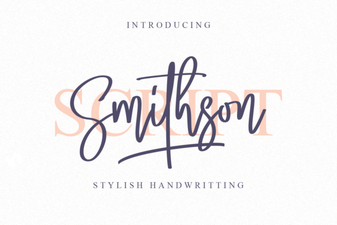 Smithson Font: Design Tips and Inspiration
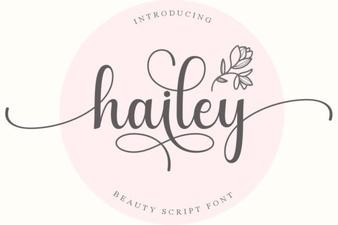 Hailey Font: Creative Design Ideas
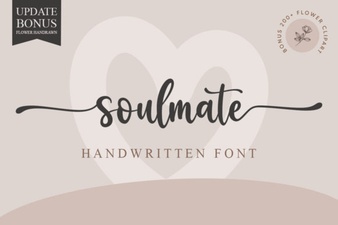 Soulmate Font: Creative Typography for Your Love Story
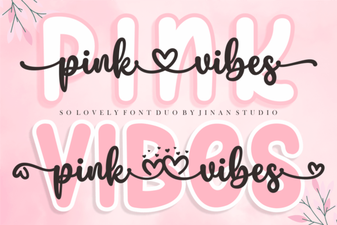 Pair & Design: a Guide to Using Pink Vibes Duo Font
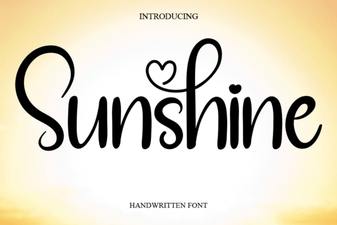 Sunshine Font: Free Download & Creative Project Ideas
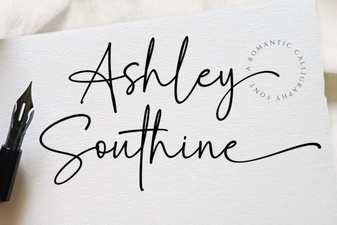 Ashley Southine Font: Beautiful, Handwritten Styles