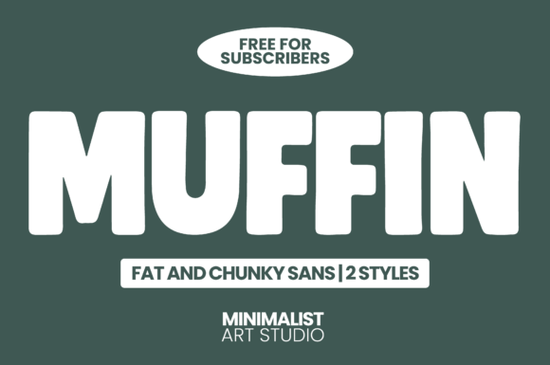
Finding the right typography for a loud, modern project usually means looking for thick, geometric lettering that grabs attention without looking messy. If you need something with serious visual weight, the Muffin Font is a highly readable, chunky sans serif designed for maximum impact. Created by Minimalist Art Studio, it gives designers and small business owners a clean, retro-modern aesthetic that works beautifully for merchandise and branding. Whether you are crafting a new logo or just updating your shop's banner, having a reliable display typeface in your toolkit is essential.
What makes a chunky sans serif font work for branding?
When you are designing logos or packaging, thin lines can easily get lost on printed materials or small mobile screens. A heavier typeface solves this by providing a solid foundation for your text. The Muffin typeface achieves this through rounded edges and geometric proportions. It keeps the letters thick but avoids the cluttered look that some display fonts have.
For print-on-demand sellers working on t-shirts or tote bags, this kind of bold minimalism ensures your message is readable from a distance. The letters hold their shape well even when stretched across a large canvas. If you are exploring other options in this specific style, you might also want to browse our collection of similar chunky sans serif typefaces to compare different weights and letterforms before finalizing your brand guidelines.
How do you pair a bold display font with other typefaces?
Using a heavy font for your main headline means your secondary text needs to balance it out. You want a supporting typeface that is clean, highly legible, and doesn't compete for attention. Mixing different weights is a standard practice in editorial and web design to guide the reader's eye.
A great approach is to pair your thick headlines with a lighter, more neutral typeface for the body copy. For example, you might use a soft, approachable sans serif to write your product descriptions, creating a nice visual contrast that keeps the layout breathing. If your project requires something a bit more structured for technical details, ingredient lists, or pricing tags, a clean geometric alternative will provide excellent clarity at smaller sizes. This combination ensures your main message pops while the finer details remain easy to read.
Where should you use thick, minimalist lettering?
Heavy, playful lettering is incredibly versatile, but it shines brightest in specific applications where quick readability is essential. Here are a few ways crafters and marketers get the most out of this style:
- Social Media Graphics: Thick letters stand out in small Instagram or Pinterest thumbnails, stopping the scroll effectively without needing extra drop shadows or outlines.
- Product Packaging: Minimalist, bold text on boxes or labels gives a premium, modern feel to artisan goods, coffee bags, or cosmetics.
- Apparel and Merchandise: Large, chunky words printed across the chest of a hoodie or the center of a canvas tote bag create a strong, trendy streetwear vibe.
- Event Posters and Signage: Concerts, pop-up shops, and local festivals benefit from heavy typography that can be read clearly from across the street.
Because it comes in two distinct styles, you can easily switch between a slightly more rounded version and a stricter geometric version depending on the specific mood of your campaign.
What should you check before downloading a new typeface?
Before you add any new file to your design software, it helps to run through a quick practical checklist to ensure it fits your workflow and project needs.
- Verify the licensing: Check if the file is free for subscribers or if you need to purchase a separate commercial license for client work and print-on-demand sales.
- Test the legibility: Type out a few sample sentences and scale them down. Make sure the thick strokes don't bleed together when the text is printed at a small size.
- Check character support: Ensure the font includes the special characters, numbers, and punctuation marks required for your specific language or pricing formats.
- Mockup the design: Place the text on a realistic mockup of a t-shirt, mug, or business card to see how the visual weight translates to the physical product.
Taking a few extra minutes to test your typography will save you from having to redo layouts later. Grab your files, open your favorite vector software, and start testing your new lettering on a real project today.
Download Now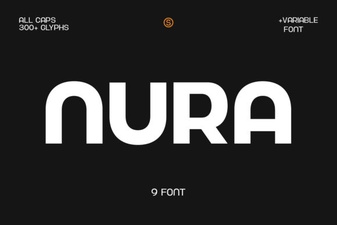 A Font for Designing the Digital Real Estate of Ideas
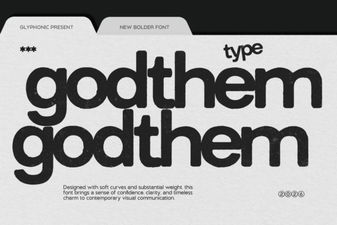 Godthem Font: Stylish Headers for Creative Projects
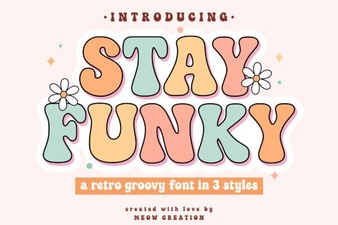 Stay Funky Font for Creative Design Projects
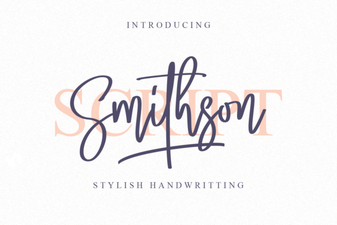 Smithson Font: Design Tips and Inspiration
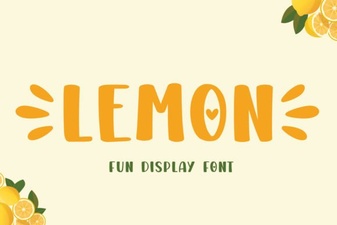 Lemon Font: Fresh Design Ideas for Creative Projects
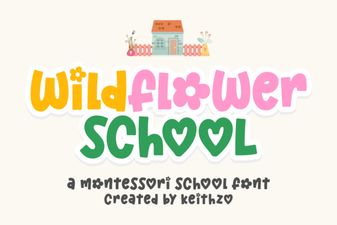 Creative Typography with the Wildflower School Font