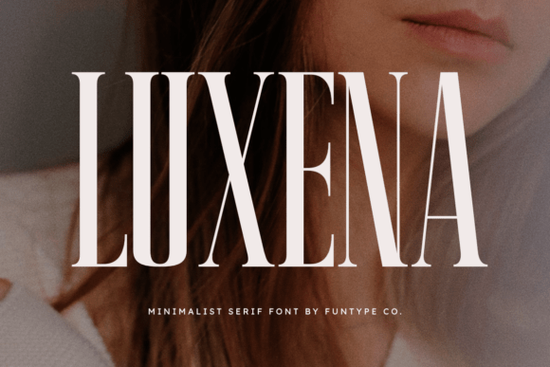
Finding the right typeface for high-end projects often means balancing readability with a strong visual presence. The Luxena Font is a bold, minimalist serif designed specifically for precise, high-impact typography. Its refined, tall structure and clean lines make it a reliable choice for graphic designers, small business owners, and print-on-demand sellers who need their text to look professional and sophisticated without feeling cluttered. Whether you are designing a new logo or setting up a storefront banner, having a dependable, striking typeface in your toolkit makes the process much smoother.
What makes a minimalist serif work for luxury branding?
When building a brand identity for fashion labels, boutique shops, or premium cosmetics, the typography needs to feel confident and established. Minimalist serifs strip away unnecessary decorative elements, leaving behind a sleek and balanced letterform. This specific typeface uses a tall x-height and elegant serif lines to create a striking look that commands attention. If you are exploring other options with a similar refined feel, you might also look at this delicate serif option for softer, more romantic branding projects. However, for strong headlines, luxury logos, and high-end packaging, a bolder, more structured approach usually performs better on both physical materials and digital storefronts.
How do you use tall serif fonts in print-on-demand and posters?
Print-on-demand sellers and crafters often struggle with text that gets lost on busy backgrounds or complex illustrations. Because of its bold weight and precise edges, this font holds up exceptionally well on tote bags, apparel, and high-impact digital posters. The tall letters naturally draw the eye downward, making it perfect for vertical layouts.
Here are a few practical ways to apply it to your physical products:
- Apparel Graphics: Use it for short, punchy quotes on t-shirts where the tall letters need to fill the vertical space without requiring a massive font size.
- Event Posters: Pair it with a simple, lightweight sans-serif for the body text to keep the visual hierarchy clear and easy to read from a distance.
- Home Decor Prints: The clean lines look incredibly sharp when printed on canvas or heavy matte cardstock for minimalist wall art.
If your current project requires something a bit more luminous for a spring or summer collection, checking out a lighter serif alternative might give you the exact mood you need. But for year-round, versatile designs, sticking to a confident, dark serif keeps things grounded and professional.
Which file formats do you need for different design software?
This download includes both OTF (OpenType) and TTF (TrueType) files. Knowing which one to install saves time and prevents rendering issues in your specific design software.
- OTF (OpenType Format): This is generally the best choice for Adobe Illustrator, InDesign, and Photoshop. It supports advanced typographic features, which is helpful if you want to customize your logo or adjust kerning precisely.
- TTF (TrueType Format): This format is highly compatible with older software, basic word processors, and crafting machines like Cricut or Silhouette. If you are cutting vinyl letters for a custom mug or wooden sign, the TTF file will usually give you cleaner cut lines and make weeding much easier.
How does this typeface compare to other elegant serifs?
Designers often wonder how a new font fits into their existing library. Compared to highly ornate display fonts, this typeface prioritizes legibility and structure over heavy embellishments. It shares some structural DNA with the original Luxena release, but focuses heavily on a powerful, bold aesthetic rather than delicate scripting. If you want to study how similar typefaces are used in modern editorial design, you can research the Luxena Font and its contemporaries in professional design journals to see how top agencies handle tracking and leading.
Quick pre-export checklist for your next project
Before you send your design to the printer or upload it to your online store, run through these quick steps to ensure your typography looks perfect:
- Check your tracking: Tighten the letter spacing slightly for large headlines, but loosen it for smaller subheadings to maintain readability.
- Outline your text: If you are sending a file to a professional printer, always convert your text to outlines (Create Outlines in Illustrator) so the font embeds correctly.
- Test the contrast: Print a small physical proof on your home printer to see how the bold serif lines hold up on your chosen paper stock before ordering a large batch.
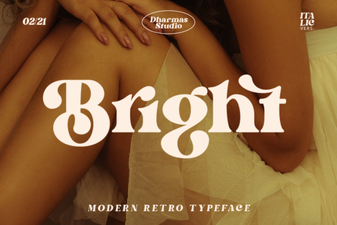 Bright Font Choices for Designers and Digital Projects
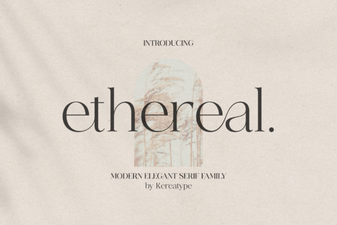 Ethereal Fonts: Designs, Applications & Creative Projects
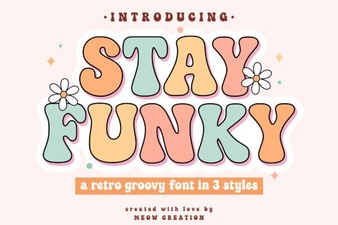 Stay Funky Font for Creative Design Projects
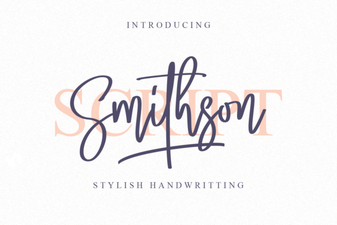 Smithson Font: Design Tips and Inspiration
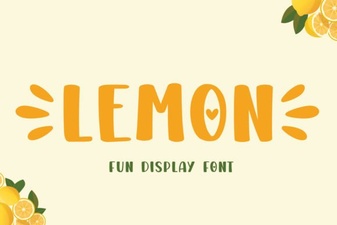 Lemon Font: Fresh Design Ideas for Creative Projects
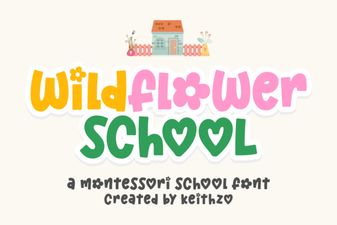 Creative Typography with the Wildflower School Font