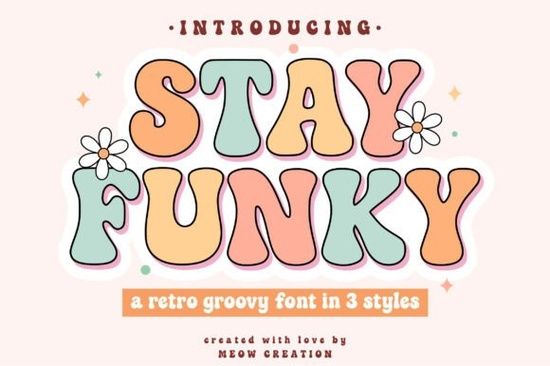
If you are working on a project that needs a bold, retro vibe, finding the right typography is half the battle. The Stay Funky Font brings a playful, groovy aesthetic to your designs without feeling outdated. It features bubbly shapes and curvy letters that nod to the colorful hippie era, making it a solid choice for crafters and print-on-demand sellers looking to create eye-catching apparel or stickers.
What makes this groovy typeface stand out?
Most vintage-inspired typefaces only give you one weight or style, which limits how you can layer your text. This collection includes three distinct variations: Regular, Outline, and Shadow. Having these options built-in means you can easily stack the letters to create a 3D effect or use the outline version for a cleaner, more minimalist look.
For crafters using cutting machines, the inclusion of ready-to-use SVG files saves you a lot of time. You do not need to manually trace or convert the text before sending it to your Cricut or Silhouette. The clean vector paths ensure that even the intricate bubbly details cut smoothly on vinyl or cardstock.
Which projects work best with bubble letters?
Thick, curvy letters naturally draw the eye, making them ideal for designs where the text is the main focal point. If you are designing summer apparel, you might pair this with a fun summer display typeface to create a cohesive seasonal collection for your shop.
Here are a few specific ways small businesses and hobbyists use this style of typography:
- Apparel and Tote Bags: The bold shapes read well from a distance, perfect for graphic tees.
- Stickers and Decals: The thick outlines and shadow layers make weeding vinyl much easier.
- Social Media Graphics: Use the regular style for punchy quotes or promotional headers.
- Event Signage: Great for retro-themed parties, festivals, or local market posters.
If your brand leans more toward a citrusy, fresh aesthetic, you could alternate this with a fresh citrus-inspired typeface for different product lines. Mixing and matching different display styles keeps your catalog visually interesting while maintaining a specific niche appeal.
How do you layer the shadow and outline styles?
Layering is where this typeface really works well. To get that classic 1970s poster look, start by placing the Shadow layer at the back. Next, add the Regular style on top, slightly offsetting it to the top left. Finally, place the Outline layer over the Regular style. This creates a rich, multi-dimensional text block that looks highly professional.
When working on digital layouts, you might want to contrast this heavy, retro feel with something lighter. For instance, a hand-drawn botanical typeface works beautifully as a secondary text for subheadings or small details on your posters.
Is it easy to use for beginners in design software?
Yes, the files are standard and compatible with almost all major design and crafting programs. Whether you use Adobe Illustrator, Canva, Procreate, or Silhouette Studio, you can simply install the OTF or TTF files and start typing. The Stay Funky Font maps correctly to your keyboard, so you do not need to memorize special character codes to access the full groovy alphabet.
For those who prefer a more exaggerated retro look for specific headings, you might also explore a thicker, chunkier alternative to see which thickness best fits your canvas. Similarly, if you need something highly readable for smaller sizes, a highly legible, bright typeface can serve as an excellent supporting font for your body text.
Quick checklist before you start crafting
Before you send your design to the printer or cutting mat, run through this quick checklist to ensure the best results:
- Check your kerning: Even well-made display typefaces need manual spacing adjustments. Tweak the space between specific letter pairs so the bubbly edges do not overlap awkwardly.
- Test cut a small section: If you are using a Cricut or Silhouette, cut a single word on scrap vinyl first to ensure the inner loops weed cleanly.
- Convert to outlines: When sending files to a professional printer, always convert your text to vector outlines to prevent any font substitution errors.
- Mind the contrast: Because the letters are thick, use high-contrast background colors to keep the text readable, especially on mobile screens.
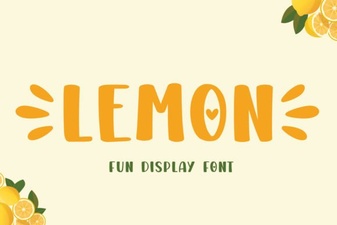 Lemon Font: Fresh Design Ideas for Creative Projects
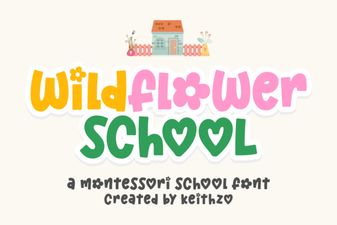 Creative Typography with the Wildflower School Font
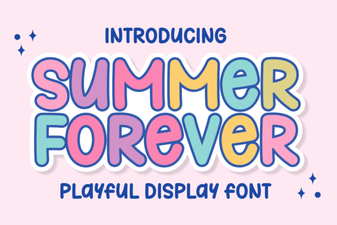 The Summer Forever Font: Creative Design Ideas & Tips
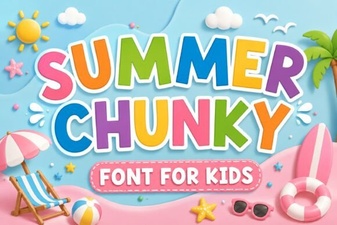 Design Tips: Using Chunky Fonts for Summer Projects
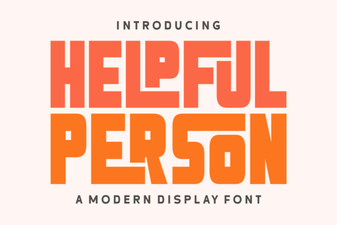 Helpful Design Fonts for Creative Projects
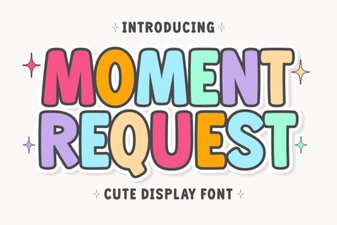 Moment Request Font: Design and Integration Tips