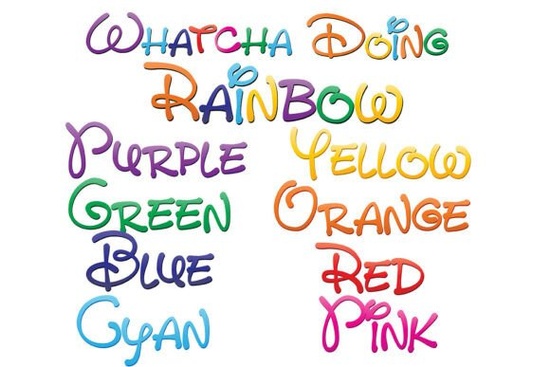
Finding the right typography for a playful project can be tricky, especially when you want the colors built right into the letters. The Whatcha Doing Font solves this by offering a hand-written, whimsical style that comes pre-colored in a beautiful rainbow gradient. Instead of manually coloring each letter in your design software, this collection gives you nine distinct OpenType SVG fonts. Eight of them feature individual gradient color schemes, while the ninth combines all eight colors into one vibrant mix. If you are exploring more options for your next craft, checking out other playful multicolor typefaces can give you fresh ideas.
What software supports full-color SVG fonts?
Before you start designing, it is important to know if your favorite programs can actually display the colors. Because these are OpenType SVG fonts, they contain vector graphics inside the font file itself.
Currently, full-color SVG fonts work perfectly in:
- Adobe Illustrator and Adobe Photoshop (CC 2017 and newer)
- Silhouette Studio (Designer Edition or higher)
- Inkscape
- QuarkXPress
- Affinity Designer and Affinity Photo
Note: If you open the font in an unsupported program like Microsoft Word or basic versions of Cricut Design Space, the text will just show up as standard black. Even in compatible software, the font might appear black in the dropdown preview menu. You will only see the rainbow gradients once you actually type the text out on your active canvas.
How do you install and use rainbow gradient fonts?
Installing these files is exactly the same as installing any standard font on your computer. You do not need any special plugins or third-party font managers.
- Download and extract the ZIP file from your purchase.
- Locate the .otf files. There will be nine different files for the different color variations.
- On a Mac, double-click the files to open Font Book and click install. On Windows, right-click the files and select Install, or drag them into your Control Panel font folder.
- Restart your design software so it recognizes the newly installed typefaces.
Because they are vector-based, you can scale these letters to any size without losing quality. This makes them useful for large format printing like banners or small details like jewelry tags.
Which projects work best with whimsical handwritten styles?
The casual, bouncy baseline of this font family makes it highly versatile for creative hobbyists and small business owners. Here are a few practical ways you can use it:
- Print-on-Demand Apparel: Use the combined rainbow version for bold, eye-catching t-shirt graphics or toddler clothing.
- Sticker Making: The thick, hand-written strokes are perfect for die-cut stickers and planner decals.
- Party Stationery: Create vibrant birthday invitations, cupcake toppers, and welcome signs.
- Social Media Graphics: Add a pop of color to Instagram quotes or Pinterest pins without having to manually apply gradient masks to your text layers.
How do you troubleshoot missing colors in your design?
If your text is showing up black instead of in color, check these common issues:
- Ensure you are using a compatible program from the list provided above.
- Make sure you are not using a legacy version of your software. For example, older versions of Photoshop do not support SVG color fonts natively.
- Check if you accidentally applied a solid black fill or stroke over the text layer in your design software. In some apps, you may need to set the standard text fill to transparent to let the SVG colors show through.
Quick checklist before you start designing
Keep this short list handy to ensure your colorful typography project goes smoothly from start to finish:
- Verify software compatibility: Double-check that your current design app supports OpenType SVG fonts before starting a complex layout.
- Install all nine variations: Make sure you install every single .otf file so you have access to all the individual gradients and the combined rainbow option.
- Test a single word first: Type a quick test word on your canvas to confirm the colors are rendering correctly before building your entire design.
- Check your export settings: When saving your final design, export as a high-quality PNG with a transparent background or a print-ready PDF to preserve the vibrant gradient colors for your final product.
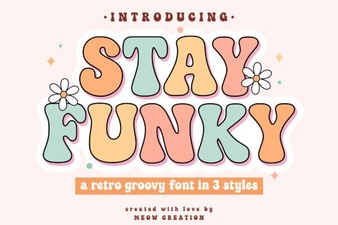 Stay Funky Font for Creative Design Projects
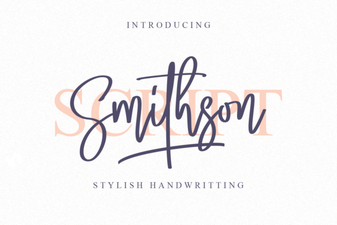 Smithson Font: Design Tips and Inspiration
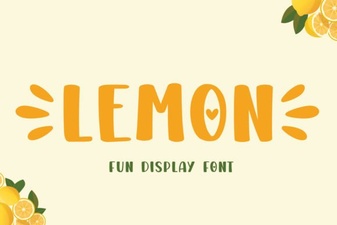 Lemon Font: Fresh Design Ideas for Creative Projects
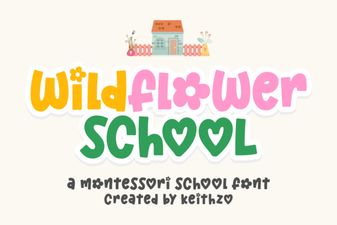 Creative Typography with the Wildflower School Font
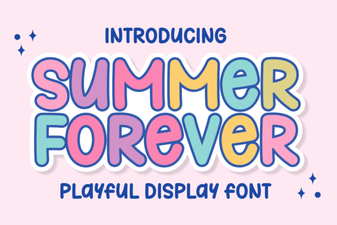 The Summer Forever Font: Creative Design Ideas & Tips
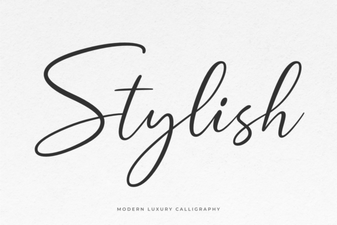 Unlocking Creativity with Stylish Web Fonts