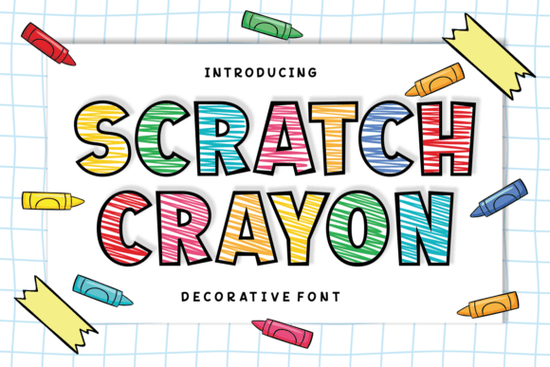
When designing for children or creating nostalgic crafts, standard flat typefaces often feel too rigid and lifeless. The Scratch Crayon Font solves this by mimicking the look of real wax crayons scribbled on paper. It features bold, friendly outlines filled with intricate, cross-hatched strokes that give every letter a tactile, hand-drawn texture. Whether you are a print-on-demand seller making kids' t-shirts or a teacher building classroom worksheets, this decorative typeface adds a warm, authentic touch to your work. You can easily browse more options in our collection of playful display typefaces if you need alternatives for your next project.
What makes this typeface stand out for kids' apparel?
Print-on-demand sellers know that highly detailed fonts can sometimes blur or bleed on fabric. This design uses thick, bold outlines that hold up beautifully on cotton and polyester blends. The inner cross-hatching mimics the way a child colors inside the lines, leaving tiny white spaces that prevent the ink from looking like a heavy, solid block. This keeps the garment breathable and the design visually interesting. It includes a full set of uppercase and lowercase letters, so you can mix and match cases to create dynamic, bouncy layouts for baby onesies, toddler tees, and children's tote bags.
How does the multilingual support help educators and small businesses?
Many decorative fonts lack the special characters needed for global audiences, forcing designers to switch to a secondary, mismatched typeface just to type an accent mark. This typeface includes extensive multilingual support, making it highly practical for small businesses selling internationally or educators in bilingual classrooms. You get access to vibrant numerals and a wide array of punctuation marks. If you are designing a bilingual storybook, a school event flyer, or a multilingual greeting card, everything stays consistent and keeps that cheerful, hand-made charm without breaking your layout.
Which software works best for installing and using this font?
You can install this file on both Windows and Mac operating systems. Once installed, it works seamlessly in standard design software. For vector-based work like creating cut files for a Cricut or Silhouette machine, Adobe Illustrator or Inkscape are your best choices. If you are designing raster graphics for web or social media, Photoshop and Canva work perfectly. When using it in cutting machines, remember to weld or unite the overlapping paths so the blade cuts the outer boundary cleanly without getting confused by the inner crayon textures. If you are ready to test it out, you can download the Scratch Crayon Font and start experimenting with your layouts today.
What are the best color palettes to use with this style?
Since the font already has a lot of internal texture, keeping your color choices simple often yields the best results.
- Primary colors: Classic red, blue, and yellow highlight the childhood nostalgia and work great for party invitations.
- Pastels: Soft mint, baby pink, and lavender work wonderfully for nursery decor and baby shower greetings.
- High contrast: Using a bright font color against a dark charcoal or navy background makes the cross-hatched details pop.
Avoid using busy, patterned backgrounds behind the text, as the intricate inner strokes can easily get lost in the visual noise. Keep the background clean to let the letterforms shine.
How should you prepare the files for commercial printing?
Before sending your designs to a commercial printer, always convert your text to outlines or curves. This ensures that the printer's computer reads the exact shapes of your letters, even if they do not have the font installed on their system. For screen printing, limit your design to two or three colors to keep production costs down while maintaining the playful aesthetic. For direct-to-garment printing, you can use the full spectrum of colors to capture every tiny detail of the cross-hatching.
Quick checklist before you export your final design
- Check that all text is converted to outlines for print files.
- Ensure high contrast between the text and the background color.
- Verify that all special characters and accent marks are rendering correctly.
- Weld overlapping paths if you are sending the file to a vinyl cutter.
- Export a high-resolution PNG at 300 DPI for print-on-demand platforms.
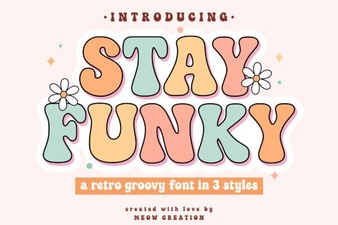 Stay Funky Font for Creative Design Projects
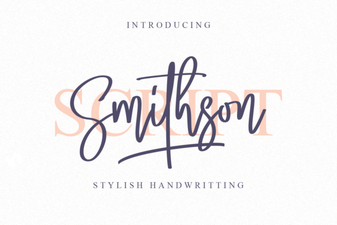 Smithson Font: Design Tips and Inspiration
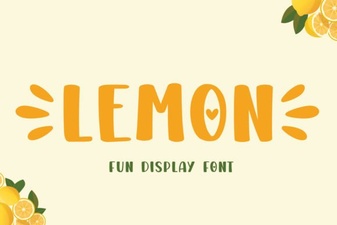 Lemon Font: Fresh Design Ideas for Creative Projects
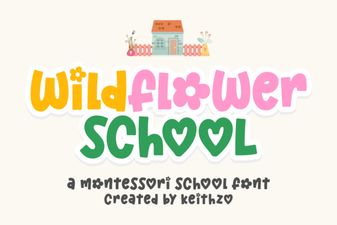 Creative Typography with the Wildflower School Font
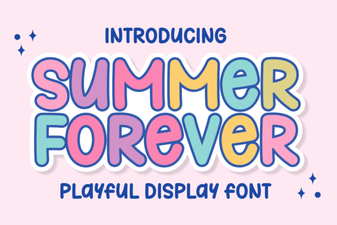 The Summer Forever Font: Creative Design Ideas & Tips
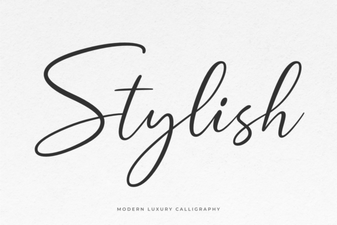 Unlocking Creativity with Stylish Web Fonts