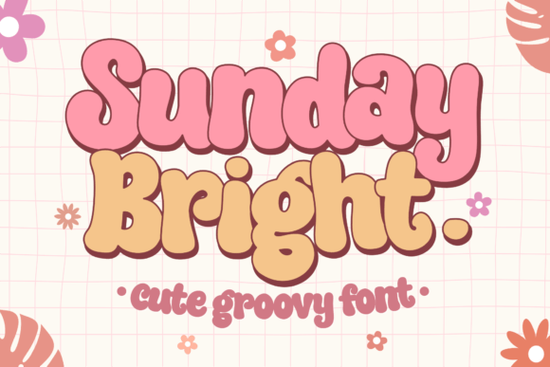
Finding the right typography for a playful project can be tricky. You want something that stands out without looking messy. If you are working on a design that needs a cheerful, nostalgic touch, the Sunday Bright Font is a great option to consider. Inspired by 1970s bold lettering, this typeface brings a fun and cute groovy vibe to any layout. It works exceptionally well for creators who need a strong visual accent that immediately grabs attention.
What makes a groovy retro font work for modern projects?
Retro bold typography relies on thick strokes, rounded edges, and a slight bounce to the baseline. These characteristics make the letters feel approachable and friendly. For small businesses and print-on-demand sellers, this style connects well with audiences looking for nostalgic, feel-good products.
When you use a typeface with this much personality, it does the heavy lifting for your design. You do not need to add complex illustrations or heavy graphics. The lettering itself becomes the main visual element. This is especially helpful for crafters making vinyl decals or stickers, where clean, thick lines are much easier to weed and cut.
Where should you use playful display typography?
Because of its chunky and expressive nature, this style of lettering is best suited for short phrases, titles, and logos. Here are a few practical ways to apply it:
- Merchandise and Apparel: T-shirts, tote bags, and hoodies benefit from large, readable text. A groovy typeface makes simple quotes look like premium boutique designs.
- Product Packaging: If you are selling handmade candles, soaps, or baked goods, a playful typeface on the label gives your brand a warm, artisanal feel.
- Book Covers and Posters: Young adult fiction, children's books, and event flyers often need a bold focal point to stand out on a shelf or a social media feed.
- Logotypes: A custom wordmark using thick, retro letters helps a brand look established yet approachable.
How do you pair bold retro fonts with other typefaces?
Mixing fonts is all about contrast. Since your primary groovy typeface is thick and highly stylized, your secondary font should be clean, simple, and easy to read. When organizing your go-to display typography folder, keep your boldest fonts separated from your body text to make pairing easier.
If you are exploring other options for a seasonal project, you might look at a bright and cheerful summer style. Alternatively, if your design needs a slightly more relaxed, hand-drawn feel, checking out a funky and casual alternative can give you a different flavor of retro. For supporting text, stick to a basic sans-serif. If you want to keep the retro theme going without overwhelming the reader, a smooth and flowing script can work nicely for smaller subheadings. You can also browse a zesty and fresh collection if you need something with a bit more pop for your secondary elements.
What settings should you adjust in your design software?
To get the most out of a chunky, retro typeface, you need to tweak a few basic settings in Illustrator, Canva, or Cricut Design Space. First, adjust the kerning, which is the space between individual letters. Groovy fonts often look best when the letters are tucked closely together, sometimes even slightly overlapping. This creates a cohesive, unified word shape.
Second, consider warping or arching the text. A slight upward curve or a wave effect enhances the vintage aesthetic and makes the design feel much more dynamic. Finally, pay attention to your color palette. Warm tones like mustard yellow, burnt orange, and olive green naturally complement this style of lettering.
If you are using a cutting machine, always convert your text to outlines or paths before exporting. This prevents the software from substituting the typeface if it is not installed on the cutting computer, ensuring your thick lines remain intact.
Quick checklist before you export your design
- Check that your letter spacing is tight enough to form a solid visual block.
- Ensure the secondary font is thin and legible to balance the heavy main text.
- Test the design in black and white to verify it still reads clearly without color contrast.
- If cutting vinyl, confirm there are no tiny, fragile gaps inside the thickest letters.
Take a few minutes to test your layout on a mockup before sending it to print or cutting your final material. Seeing the typography in a real-world context will help you spot any spacing issues and ensure your retro design looks exactly right.
Explore Design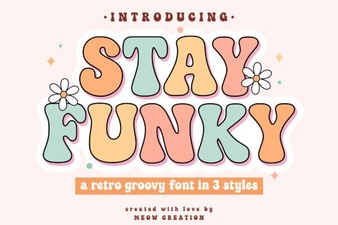 Stay Funky Font for Creative Design Projects
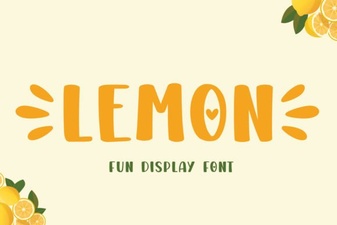 Lemon Font: Fresh Design Ideas for Creative Projects
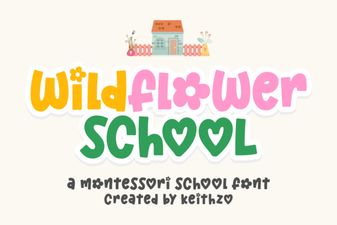 Creative Typography with the Wildflower School Font
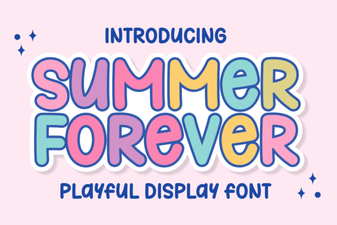 The Summer Forever Font: Creative Design Ideas & Tips
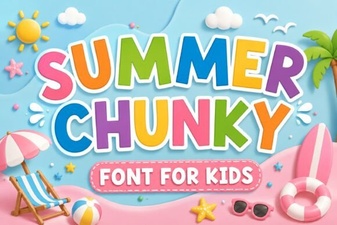 Design Tips: Using Chunky Fonts for Summer Projects
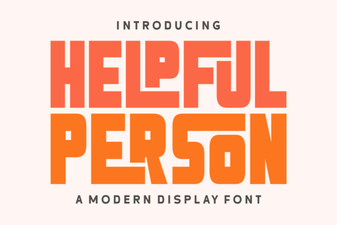 Helpful Design Fonts for Creative Projects